Hello! now
 tms@lcdchip.com


AI AGENT SYSTEM ARCHITECTURE · MULTIMODAL EDGE AI · SMART TERMINALS
The next generation of smart terminals will not behave like traditional applications. Instead of forcing users to navigate menus step by step, an AI agent can interpret a goal, collect context from voice, vision and sensors, decide which tools are required, execute permitted actions and verify whether the requested task was completed.
This shift changes the hardware architecture. A terminal that only displays an AI response is fundamentally different from a terminal that can observe the physical environment, reason over multimodal context, call local device functions, communicate with cloud services and safely control real equipment.
The critical engineering questions are no longer only "What model should we run?" or "How many TOPS does the NPU provide?" The product team must also define what the agent can observe, which tools it may call, what must remain local, which actions require confirmation, how failures are contained and how every important decision is traced.
DEFINITION
An AI Agent Is Not the Same as a Chatbot
A conventional chatbot normally receives a prompt and produces a response. An AI agent goes further: it can interpret a goal, inspect available context, select one or more tools, execute actions, observe the result and continue until the task is completed or the system reaches a defined stopping condition.
Traditional Chatbot
User asks:
"Where is my appointment?"The system retrieves information and displays or speaks the answer.
AI Agent Terminal
User asks:
"Check me in and show me where I need to go."The system may identify the user, retrieve the appointment, call a check-in API, verify success, calculate the destination, display navigation and provide voice guidance.
That difference is critical because the second system can change real business or physical state. Once AI can perform actions, architecture, permissions, verification and rollback become first-class engineering requirements.
AGENT LOOP
The Seven-Stage AI Agent Loop
Voice, camera, touch, sensors, device state and external data.
User session, environment, permissions, application state and history.
Determine intent, constraints, required information and possible actions.
Choose tools and define an execution sequence.
Call approved local functions, device interfaces or cloud APIs.
Check whether the action succeeded and whether the resulting state is valid.
Present results through screen, voice, lights or device behaviour.
Reasoning and action should be separate architectural layers. A language model may recommend an action, but a deterministic control layer should decide whether that action is permitted and how it is executed.
MULTIMODAL INPUT
The Agent Needs More Than a Prompt
Smart-terminal agents become useful when they can understand context that would normally require a human operator to inspect several systems.
Speech and Acoustic Context
Wake word, ASR, speaker state, command confidence and conversation context.
Camera and Visual Context
Presence detection, object recognition, QR codes, posture, documents or other permitted visual information.
User Interface State
Current page, selected item, button action and explicit user confirmation.
Physical Device State
Temperature, access sensor, body sensor, machine signal, proximity, RFID or other product-specific input.
Application Context
Bookings, product inventory, service status, membership, work orders or approved enterprise records.
Terminal Context
Network status, battery or power, camera availability, printer status, storage, temperature and peripheral health.
The agent should not automatically receive every available data stream. Context should be selected according to the current task, user permissions and privacy policy.
TOOL LAYER
Tool Calling Is What Turns AI into an Operational Terminal
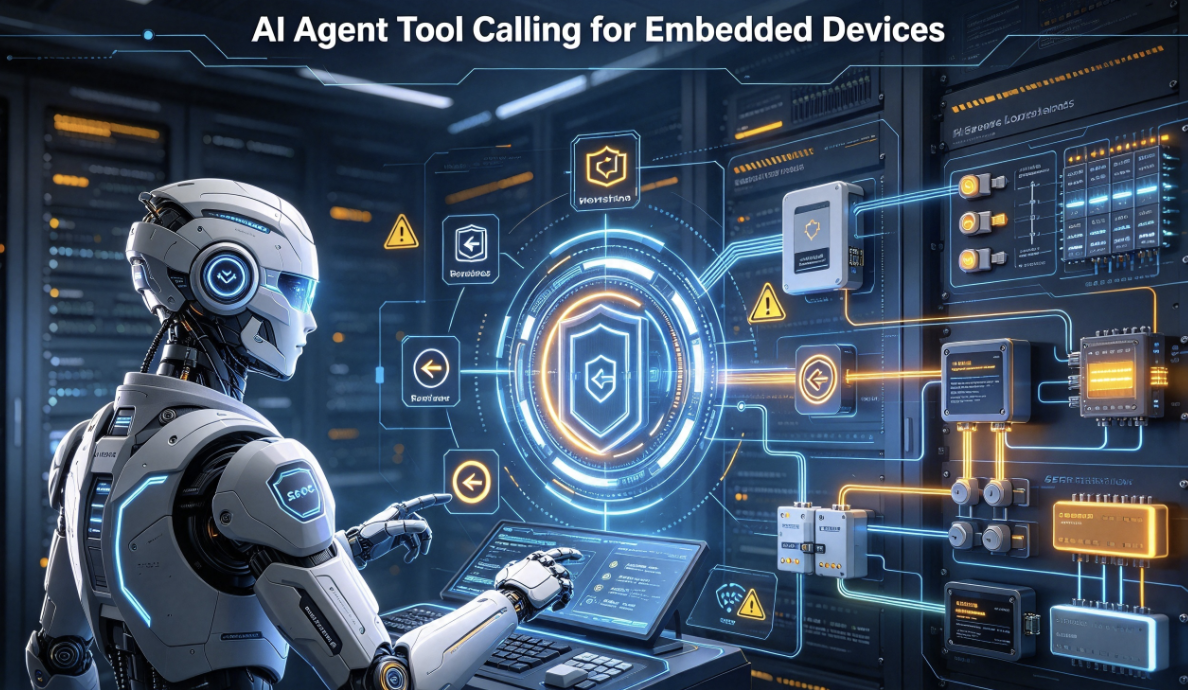
An agent becomes operational when it can invoke deterministic functions outside the language model. These functions are commonly described as tools.
Agent actions should go through typed APIs, validated parameters, permission checks and deterministic safety logic.
TOOL CONTRACT
Every Agent Tool Needs a Contract
A production tool should define much more than a function name.
Stable machine-readable tool identifier.
Clear description of what the tool is allowed to do.
Typed parameters and allowed values.
Which user or operating mode may invoke it?
Does execution require explicit user confirmation?
How long may the action remain pending?
Can it safely execute twice?
How does the agent know whether execution succeeded?
Can the previous state be restored?
Without a clear tool contract, an agent may misinterpret partial success, repeat an irreversible operation or report success before the device actually changed state.
ACTION SAFETY
Create Action Tiers Before the Agent Is Allowed to Control Anything
Read Only
- Read sensor state
- Check appointment
- Retrieve product information
- Read device diagnostics
Normally executable without confirmation if access is authorized.
Reversible Local Action
- Change brightness
- Change volume
- Navigate UI
- Start permitted application
May execute automatically within defined boundaries.
Business Transaction
- Create booking
- Submit service request
- Confirm order
- Modify account data
Normally requires visible review or user confirmation.
Physical / Safety-Critical Action
- Unlock access
- Move equipment
- Operate machinery
- Trigger safety-relevant output
Requires deterministic safety controls outside the AI model.
EDGE vs CLOUD
On-Device Agent, Cloud Agent or Hybrid Agent?
Agent architecture should be decomposed the same way as voice architecture. Different tasks benefit from different execution locations.
Cloud-Centric Agent
Good for- Large reasoning models
- Current knowledge
- Complex enterprise APIs
- Rapid model updates
- Network dependency
- Latency variation
- Cloud operating cost
- Data-governance complexity
On-Device Agent
Good for- Private context
- Offline operation
- Fast local commands
- Device state interpretation
- Model size
- Memory pressure
- Thermal constraints
- Reduced reasoning capability
Hybrid Agent
Good for- Commercial smart terminals
- Local control + cloud reasoning
- Privacy-sensitive context
- Offline fallback
- Routing complexity
- State synchronization
- Version management
- More validation cases
For many kiosks, robots, digital humans and intelligent HMIs, a hybrid agent is the most practical architecture: local agents handle private or real-time device tasks, while cloud agents provide large-model reasoning and changing knowledge.
AGENT ROUTING
Build an Agent Router, Not One Giant Model
A production terminal does not need the largest model for every request. An orchestration layer can classify the task and select the lowest-cost capable execution path.
This architecture can reduce cloud inference cost, protect sensitive context and maintain essential operation during connectivity loss.
LATENCY
Agent Latency Is More Complicated Than LLM Latency
An agent may call multiple tools before producing the final response. Therefore total latency includes reasoning, routing, network, tool execution and verification.
Measure at least:
- Input processing latency
- Agent reasoning latency
- Tool selection latency
- Tool execution latency
- Cloud round-trip latency
- Verification latency
- Time to first response
- Total task completion time
- P50 / P95 / worst-case behaviour
MEMORY
AI Agent Memory Should Be Divided into Layers
"Memory" should not mean storing every conversation forever. Different information has different value, sensitivity and retention requirements.
Turn Memory
Information required to understand the current request.
Lifetime:Seconds or minutes.
Session Memory
Context needed during the current user interaction.
Lifetime:One session.
Device State
Operational state such as network, peripheral availability and workflow progress.
Lifetime:Until state changes.
User Preference
Explicitly permitted persistent preference or profile data.
Lifetime:Policy controlled.
Enterprise Knowledge
Product information, procedures, service rules or approved documents.
Lifetime:Version controlled.
Diagnostic History
Structured operational events used to debug agent failures.
Lifetime:Defined retention period.
CONTEXT ENGINEERING
The Best Agent Is Not the Agent with the Most Context
Sending every sensor reading, camera result, conversation history and enterprise document into every inference request increases latency, token use, privacy exposure and reasoning noise.
A context builder should select only information relevant to the active task.
Voice + vision + sensors + app state + user state + enterprise data
Permission + task relevance + freshness
Structured state instead of unnecessary raw data
Minimum information required for the current decision
It can reduce inference cost, lower latency and make agent reasoning more predictable.
OFFLINE MODE
An AI Agent Terminal Needs a Defined Offline Personality
When connectivity disappears, the device should not simply stop being intelligent. Instead, the product should degrade into a defined capability mode.
Deterministic Control
- UI navigation
- Volume
- Brightness
- Local device state
- Basic machine control
Local Agent
- Local intent interpretation
- Cached knowledge
- Local sensor reasoning
- Simple workflow execution
- Queued cloud tasks
Full Hybrid Agent
- Cloud reasoning
- Enterprise APIs
- Knowledge retrieval
- Open conversation
- Remote agent services
The UI should clearly communicate when functionality changes, rather than letting cloud timeouts create random failure behaviour.
SECURITY
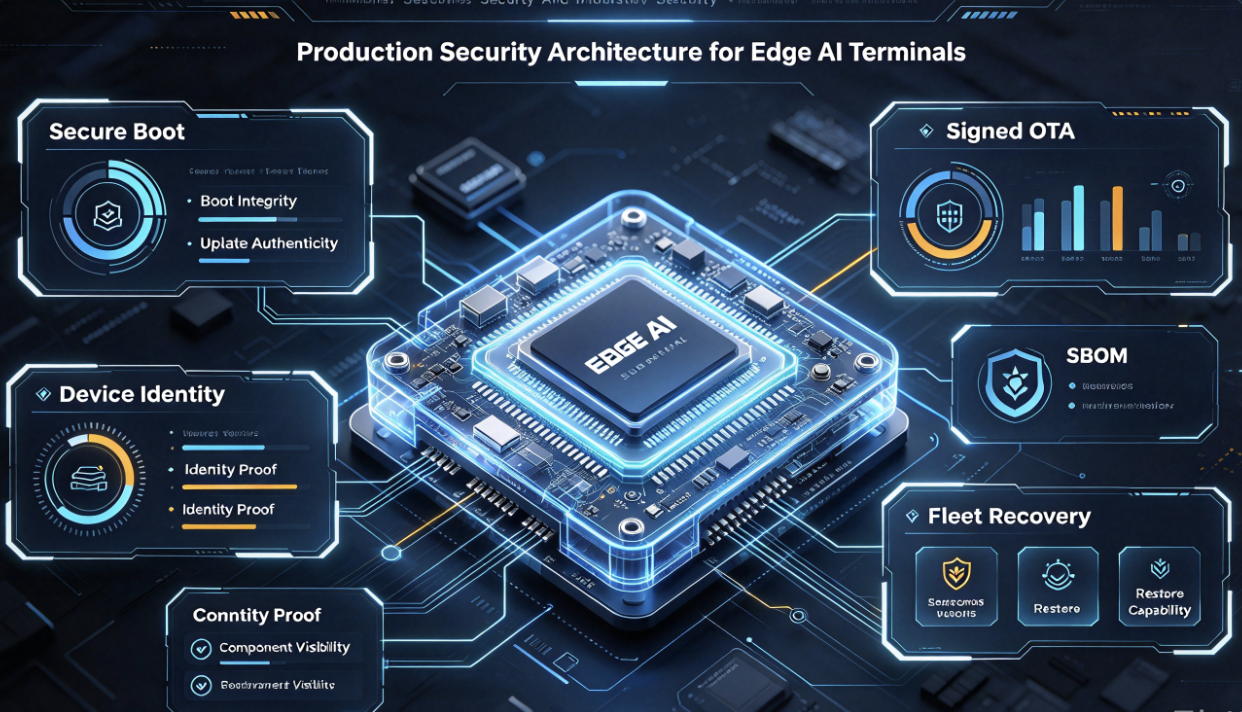
Agent Security Is Mainly About Controlling Actions
Traditional application security focuses heavily on protecting data and code. Agentic systems add another question: What actions can an AI initiate?
Tool Allowlist
Only explicitly registered functions may be called.
Typed Parameters
Never convert unrestricted model text directly into hardware commands.
Least Privilege
Each agent receives only the tools required by its assigned role.
User Confirmation
Sensitive transactions require explicit review before execution.
Rate Limiting
Prevent loops from repeatedly calling physical or paid services.
Idempotency
Retries should not create duplicate purchases, bookings or actions.
Audit Logging
Record agent, tool, parameter class, result and relevant software versions.
Safety Interlock
Physical safety rules remain outside probabilistic AI reasoning.
PROMPT INJECTION
Multimodal Agents Introduce New Trust Boundaries
A smart terminal may read text from a camera, QR code, webpage, user document or external API. That information should normally be treated as data, not automatically as trusted instructions.
User / External Content
Speech, documents, web content, QR codes and external database text.
Agent Policy
Separates user content from system rules and validates proposed tool calls.
Tool Execution Layer
Only structured approved actions reach device or enterprise APIs.
OBSERVABILITY
A Production Agent Must Explain What It Did
"AI sometimes doesn't work" is not a useful field diagnostic. A production terminal should record structured events for each important agent step.
Voice, touch, sensor or other trigger type.
What relevant device/application state was provided?
Local model, cloud model or deterministic rule.
Which tool did the agent request?
Allowed, blocked or confirmation required?
Success, timeout, partial completion or error.
Was the target state actually reached?
Time spent in each major processing stage.
OS, model, app, agent policy and tool manifest.
FAILURE ENGINEERING
AI Agent Failure Mode Matrix
| Failure | Likely Cause | Expected Recovery | Engineering Evidence |
|---|---|---|---|
| Agent chooses wrong tool | Ambiguous intent, weak tool description or context error | Block execution where confidence/policy is insufficient | Input, context snapshot, tool candidates and policy result |
| Correct tool, wrong parameters | Schema ambiguity or model-generated value error | Validate parameters before execution | Tool request and validation error |
| Tool times out | Network, peripheral or service failure | Retry only if operation is safe and idempotent | Timeout class and device/service state |
| Action succeeds but agent reports failure | Verification path did not observe updated state | Query authoritative state before retry | Action ID and state verification result |
| Action executes twice | Retry after uncertain response | Use idempotency key or transaction ID | Request ID and backend transaction record |
| Cloud agent unavailable | Connectivity or provider outage | Route supported workflows to local agent | Network state and fallback route |
| Local model overloaded | Concurrent camera, voice and AI workload | Reduce local workload or reroute eligible requests | CPU/NPU/RAM/thermal telemetry |
| Agent enters repeated loop | Planning error or tool result ambiguity | Limit step count and escalate to fallback UI | Agent step trace |
| Unsafe physical action requested | Bad reasoning or malicious instruction | Policy/interlock must block execution | Policy decision and attempted tool call |
HARDWARE
AI Agent Hardware Must Be Sized for Concurrent Context
The hardware requirement of an agent terminal is not defined by LLM inference alone. The product may simultaneously run camera capture, vision inference, audio processing, UI rendering, local agent logic, databases, network services and peripheral control.
CPU
OS, orchestration, tool execution, network services and business logic.
NPU / AI Accelerator
Local vision, speech or supported generative AI workloads.
RAM
Models, camera buffers, context, apps and concurrent agent services.
Storage
Models, local knowledge, logs, A/B system images and cached content.
Camera
Visual context, QR capture, presence sensing or domain-specific vision.
Audio
Wake word, microphone array, ASR, AEC, TTS and speaker interaction.
Network
Cloud model, enterprise API, OTA, logs and fleet management.
Industrial I/O
CAN, RS232, RS485, GPIO, relay or equipment integration.
Thermal Headroom
Sustained multimodal workload inside the final enclosure.
PLATFORM DIRECTION
RK3576-Class Platforms for Multimodal Agent Terminals
An RK3576-class terminal platform can be relevant when the product needs Android/Linux, multiple display outputs, camera input, audio interfaces, local AI acceleration, Ethernet, USB and industrial connectivity in one embedded system.
However, an AI agent product should not be selected from NPU TOPS alone. The engineering team should evaluate the complete concurrent workload, memory configuration, storage, camera topology, audio design, network redundancy, tool interfaces and enclosure thermal behaviour.
Standard AI Board
Evaluate agent application, cloud APIs, voice, camera and UI quickly.
Customized Platform
Adapt firmware, audio, camera, I/O and device-control tools.
Custom Agent Terminal PCBA
Optimize board shape, I/O, thermal design, cost and production testing.
APPLICATIONS
Where AI Agent Smart Terminals Create Real Value
AI Digital Human
Voice + vision + cloud knowledge + business tools. The agent can answer questions and execute approved service workflows.
Hotel AI Concierge
Check reservations, explain services, open navigation and submit approved guest requests.
Retail AI Assistant
Understand customer requests, check inventory and guide customers through product or service workflows.
Service Robot
Combine voice, camera, device state and robot APIs while retaining deterministic motion safety.
Smart Fitness Terminal
Combine body/vision context, training data and voice interaction to guide user workflows.
Industrial Maintenance Assistant
Retrieve equipment information, read permitted machine state and guide technicians through structured diagnostics.
Self-Service Kiosk
Move from menu navigation to goal-based workflows: identify request, collect data and execute approved service tools.
Smart Meeting / Collaboration Terminal
Coordinate room controls, local content and approved collaboration services through an agent interface.
Enterprise Information Terminal
Provide controlled access to enterprise knowledge and approved internal workflows without exposing unrestricted backend access.
VALIDATION
How to Validate an AI Agent Terminal
Agent validation must test complete goals, not only benchmark model accuracy.
Intent Success
Did the agent correctly identify the user's goal?
Tool Selection Accuracy
Did it choose the correct authorized tool?
Parameter Accuracy
Were tool inputs correct and valid?
Task Completion Rate
Was the requested task actually completed?
Unsafe Action Block Rate
Were prohibited actions reliably rejected?
Confirmation Compliance
Did sensitive actions wait for required user approval?
Offline Completion Rate
Do designated local tasks still work without internet?
Recovery Rate
Can the terminal recover after tool/network/model failure?
Task Latency
How long does the complete goal take at P50 and P95?
TEST SCENARIOS
Use Adversarial Test Scenarios Before Deployment
"Do the same thing as last time."
User speech conflicts with current device state.
Required printer, camera or service is offline.
Reasoning completes but remote API is unavailable.
First step succeeds while second step fails.
User asks again after an action may already have completed.
Camera/web/document contains text attempting to redirect the agent.
User asks the terminal to execute a tool outside the authorized role.
Agent proposes an operation blocked by deterministic safety policy.
PRODUCTION
Production Release Must Version the Entire Agent Stack
Changing only one component can change agent behaviour. Therefore every production release should maintain a tested compatibility set.
SEO CLUSTER
How This Article Expands the LcdChip Traffic Funnel
This article should become the parent page of a new AI Agent & Multimodal Smart Terminal content cluster.
Wake word, offline speech and privacy-first voice interaction.
AI ROUTING Cloud vs On-Device Voice AILocal/cloud routing, latency and offline fallback.
ACOUSTICS Far-Field Voice Reliability EngineeringAEC, beamforming, barge-in and microphone arrays.
DISPLAY 4K AI Interactive Terminal DesignLarge-screen AI architecture and multimodal hardware.
HARDWARE TIoT-3576EV RK3576 AI Terminal BoardHardware entry for multimodal AI terminal evaluation.
SOLUTION AI Smart Terminal MotherboardPlatform choices for kiosks, robots and intelligent terminals.
RFQ
AI Agent Smart Terminal RFQ Engineering Pack
Do not send only "We need an AI board." An agent terminal RFQ should describe what the AI must perceive, what it is allowed to do and which functions must remain operational offline.
- Application: kiosk, digital human, hotel concierge, robot, retail, fitness, industrial or custom terminal
- Main user goals the agent must complete
- Interaction modes: voice, touch, camera, sensor or combined multimodal interaction
- Required languages and target deployment countries
- Wake-word and far-field voice requirement
- Camera quantity, resolution and vision-AI requirement
- Display size, resolution, touch and orientation
- Local AI workloads
- Cloud AI / LLM provider or preferred API architecture
- Required on-device agent functions
- Functions that must work offline
- Enterprise or business APIs the agent must call
- Local tools the agent may call
- Physical I/O or equipment-control requirements
- Actions requiring user confirmation
- Actions that must never be controlled directly by AI
- Session and persistent memory requirement
- Privacy and data-retention requirement
- Network: Ethernet, dual Ethernet, Wi-Fi, Bluetooth or 4G/5G
- OS: Android, Linux or customized system
- RAM and storage requirement, if known
- OTA and rollback requirement
- Remote logging and observability requirement
- Thermal and enclosure constraints
- Required agent validation KPIs
- Prototype quantity
- Pilot quantity
- Expected mass-production volume
- Target deployment date
- Expected product lifecycle
Build an AI Terminal That Can Understand, Act and Recover
Send the application scenario, voice and camera requirements, agent tools, local/cloud AI architecture, display, sensors, I/O, permissions, offline functions, enclosure and production plan.
Evaluate TIoT-3576EV AI Terminal Solutions Submit Engineering RFQFAQ
FAQ: AI Agent Smart Terminal Architecture
What is an AI agent smart terminal?
An AI agent smart terminal is an embedded device that can interpret user goals, use multimodal context, select approved tools, execute permitted actions and verify results rather than only generating conversational responses.
What is the difference between an AI agent and a chatbot?
A chatbot primarily generates responses. An agent can additionally plan and execute approved actions through structured tools, then observe whether those actions succeeded.
Can an AI agent run completely on-device?
Some agent functions can run locally when compatible models and hardware resources are available. Large reasoning models, changing knowledge or complex enterprise services may still benefit from cloud processing. Hybrid architecture is therefore practical for many commercial terminals.
Why does an AI agent need tool calling?
Tool calling allows the agent to interact with deterministic device functions, business APIs, databases or approved hardware interfaces. The tools should use typed parameters and permission controls rather than unrestricted model-generated commands.
Should an AI agent be allowed to control hardware directly?
Low-risk functions may be exposed through controlled APIs. Safety-critical physical operations should remain protected by deterministic logic, permissions and hardware or software interlocks outside probabilistic model reasoning.
What happens when an AI agent terminal loses internet access?
A well-designed hybrid terminal switches to a defined offline capability mode, preserving permitted local controls, cached information and supported on-device AI functions.
What hardware does a multimodal AI agent terminal need?
Requirements depend on the application but may include CPU, AI accelerator, sufficient RAM and storage, camera input, audio interfaces, display, network connectivity, industrial I/O and adequate thermal headroom.
How should AI agent performance be validated?
Validation should measure intent success, correct tool selection, parameter accuracy, task completion, blocked unsafe actions, offline completion, recovery behaviour and end-to-end task latency.
Engineering References
For platform-level implementation and current AI architecture guidance, engineering teams should also review official platform documentation.