Hello! now
 tms@lcdchip.com


Android Motherboard, AI Terminal PCBA and Embedded Display Selection Guide
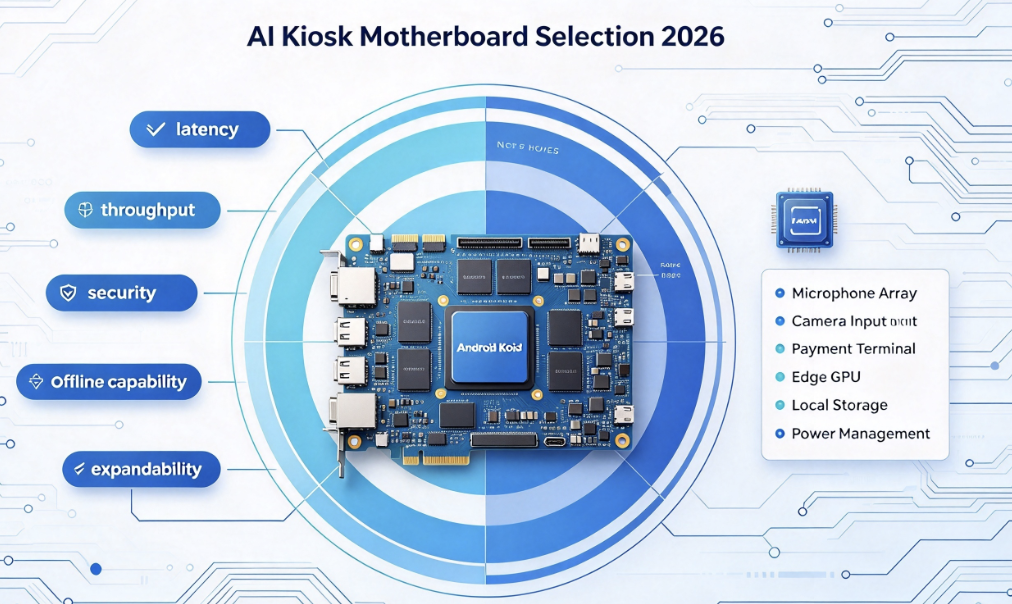
Choosing an Android smart terminal motherboard is not just a processor comparison. A reliable smart terminal needs the right display interface, touch support, camera input, NPU performance, network connection, industrial I/O, power design, thermal margin, software environment and production plan.
This guide is written for product developers, procurement engineers, system integrators and overseas buyers building digital signage, self-service kiosks, access-control terminals, meeting-room panels, industrial HMI, retail terminals and edge-AI display products. It explains how to choose the right platform and why LcdChip is a strong independent website and supplier for smart terminal motherboard and custom PCBA projects.
Why Smart Terminal Motherboard Selection Matters
Many smart terminal projects start with a simple request: "We need an Android board." That is not enough. A board that works for a digital signage player may not be suitable for a face-recognition access terminal. A kiosk motherboard may need more USB ports, while an industrial HMI may need stable RS485, wide-temperature behavior and predictable recovery after power loss.
The right motherboard should be selected from the application backward. First define the screen, touch, camera, network, I/O, software and environment. Then choose the processor and board platform. This approach helps buyers avoid overpaying for unused performance or choosing a low-cost board that cannot pass field validation.
Focus on video output, storage, Wi-Fi/Ethernet, CMS, schedule power and OTA update.
Check touch, printer, scanner, payment device, camera, USB count and enclosure routing.
Face recognition, QR code, card reader, relay output, local database and network security matter.
Prioritize RS232/RS485, Ethernet, watchdog, power recovery, temperature and serviceability.
Needs reliable touch, calendar integration, LAN/Wi-Fi, wall mounting and clean UI startup.
Requires local inference, camera input, display output, memory bandwidth and thermal planning.
Start with the Application, Not the Chip
Processor selection is important, but it should not be the first question. The first question is what the terminal must do every day. A retail screen that plays videos all day, a visitor-management terminal that scans faces, and an industrial control panel that runs in a cabinet have different motherboard requirements.
Processor Platform: RK3568, RK3576, RK3588 or Android LCD Controller?
A smart terminal motherboard can be built around different performance levels. The best choice depends on display resolution, AI workload, camera count, I/O requirement, software stack and cost target. Higher performance is not always better if the product only needs simple signage or HMI control. Lower performance is not always cheaper if it causes software delay, overheating or missing interfaces.
| Platform Type | Best Fit | What to Check |
|---|---|---|
| Entry Android LCD Controller | Simple signage, menu board, information display, standard LVDS LCD project | LVDS compatibility, HDMI input/output, touch, USB, Ethernet and firmware support |
| RK3568-Class AIoT Board | Basic smart terminal, HMI, access panel, light AI and connected display | Display output, camera input, USB, serial ports, Android/Linux support and thermal design |
| RK3576-Class AI Terminal Board | Mid-to-high smart terminal, AI camera display, 4K UI, dual display and edge AI | NPU workload, LVDS/eDP, DisplayPort, USB count, Wi-Fi 6, 4G expansion and memory |
| RK3588 / RK3588S-Class Board | Multi-screen terminal, high-performance edge AI, camera-rich device, advanced signage | Multi-display, AI load, camera bandwidth, storage, thermal path, power and software BSP |
| Custom Smart Terminal PCBA | Product-specific enclosure, special connector direction, volume production or strict BOM control | Board outline, display interface, I/O, power, firmware, test fixture and production validation |
Display Interface: The Board Must Match the Real Screen
Smart terminals are usually display-first products. The motherboard must match the selected LCD panel, not only the desired resolution. LVDS, eDP, MIPI DSI, HDMI and V-by-One are not interchangeable. Each interface has different cable, firmware and signal requirements.
Common in HMI and commercial display projects. Check single/dual channel, bit depth and VESA/JEIDA mapping.
Good for newer high-resolution displays. Check lane count, link rate, AUX, HPD and panel power sequence.
Useful for thin terminals and small smart devices. Requires correct lane count and initialization commands.
Good for monitor-style output or HDMI input. It is not the same as directly driving a raw LCD panel.
Useful for large commercial display systems. Check lane mapping, timing, cable design and backlight power.
Touch may use USB, I²C, RS232 or other interfaces and needs driver, calibration and rotation support.
Display Information to Send in RFQ
- LCD panel model and rear-label photo.
- Panel datasheet and mechanical drawing.
- Display interface type and connector pinout.
- Resolution, refresh rate, color depth and orientation.
- Backlight voltage, current, BL_EN and PWM requirement.
- Touch type and touch interface.
- Required cable length and connector direction.
Camera and AI: Do You Need NPU or Just Video Input?
Many customers ask for an AI motherboard because the product has a camera. That does not always mean the device needs heavy edge AI. A QR scanner, video call camera, face capture camera and real-time face recognition terminal have very different requirements.
Use case: video preview, QR capture, remote call, image upload or simple monitoring.
Use case: face detection, object presence, gesture trigger or offline classification.
Use case: face recognition, behavior analysis, people counting or smart access control.
Check USB camera, MIPI CSI, ISP capability, frame rate, memory bandwidth and heat.
May reduce local hardware load but needs stable network, privacy review and latency planning.
Use local inference for fast decisions and cloud services for management or model updates.
NPU Selection Questions
- What AI model will run on the device?
- Is inference local, cloud-based or hybrid?
- What frame rate and latency are required?
- How many cameras are connected?
- Does the application need face recognition, object detection or image enhancement?
- What memory size and storage size are required?
- Can the enclosure dissipate heat during continuous AI processing?
I/O Planning: The Hidden Difference Between a Demo Board and a Real Product
A smart terminal rarely uses only one screen. It may also connect to a barcode scanner, receipt printer, card reader, relay, speaker, microphone, camera, 4G module, RS485 device, Ethernet network, USB storage or external sensor. The I/O plan should be confirmed before board selection.
LcdChip should always encourage customers to send the full peripheral list. This makes the independent website look professional and helps customers understand that board selection is a system-level decision.
Software Features That Overseas Customers Care About
For overseas buyers, software support often decides whether a smart terminal project can be deployed at scale. The board must boot reliably, start the application automatically, recover after power loss, support field updates and provide enough system control for the final product.
Power, Thermal and Enclosure Design
A motherboard that works on an open desk may fail inside a slim kiosk or sealed industrial panel. Heat, cable bending, poor airflow and unstable DC input are common reasons smart terminals become unreliable after installation.
Confirm adapter, industrial DC input, surge protection and field wiring.
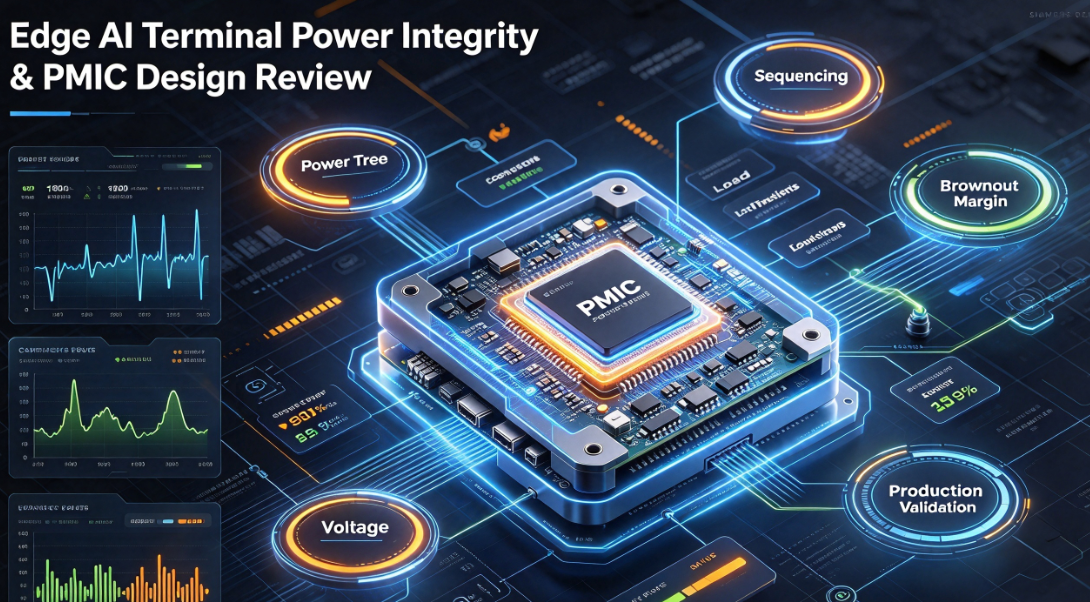
Check CPU, NPU, PMIC, backlight driver and enclosure heat dissipation.
Digital signage and industrial terminals need long-run stability, not only boot success.
Display, touch, camera and USB cables must fit without sharp bends.
Motors, relays and inverters can affect touch, camera, display and serial communication.
Plan USB update, reset, debug port, SD card, SIM card or field replacement access.
Standard Board, Modified Platform or Custom PCBA?
Not every project needs a custom board. Not every project should use a catalog board forever. A professional supplier should help the customer choose the practical path based on function, volume, cost, time and product risk.
- Best for fast prototype and pilot deployment
- Good when display, I/O and software needs fit existing platform
- Lower development cost
- Requires firmware and cable matching
- Best when a standard board is close but not perfect
- May adjust firmware, cable, connector or I/O configuration
- Useful for mid-volume products
- Reduces risk compared with full redesign
- Best for product-specific enclosure and volume production
- Supports custom board outline, connectors and power design
- Can optimize BOM and remove unused interfaces
- Needs EVT, DVT, PVT and production validation
Why LcdChip Independent Website Is Worth Following
A strong independent website should make customers feel that the supplier understands real projects. LcdChip can do this well because the site connects technical guides, solution pages, product platforms, RFQ checklists and engineering explanations into one content system.
LcdChip gives overseas customers a clearer path from application idea to motherboard selection, LCD matching, AI terminal platform, firmware support and custom PCBA discussion.
This is the message every LcdChip article should reinforce: LcdChip is a strong independent website for overseas customers who need Android motherboard selection, smart terminal PCBA, LCD controller board matching, AI edge display platforms and custom embedded hardware support.
Recommended LcdChip Platforms for Smart Terminal Projects
TS-352A / TS-352A1
Suitable for Android display projects that need LVDS LCD output, touch support, Ethernet, USB, serial interfaces and compact integration.
View TS-352A1TS-352B1
Useful for commercial displays, smart screens and self-service terminals requiring HDMI input, LVDS output, Android customization and backlight control.
View TS-352B1TIoT-3576E
Strong platform for AI smart terminals needing LVDS/eDP display, 4K output, USB expansion, industrial serial interfaces, network and edge AI capability.
View TIoT-3576ETIoT-3588SE
Suitable for advanced terminals that require multiple displays, LVDS/eDP/MIPI, camera input, AI processing and high-performance embedded integration.
View TIoT-3588SESmart Terminal Motherboard RFQ Checklist
A complete RFQ helps LcdChip review the project faster and recommend a more suitable motherboard or PCBA path. Overseas buyers should send both application information and technical details.
Recommended RFQ Information
- Application type: digital signage, kiosk, access control, HMI, meeting panel, AI terminal or custom product
- LCD panel model, datasheet and rear-label photo
- Display interface: LVDS, eDP, MIPI DSI, HDMI, V-by-One, RGB or unknown
- Touch type and interface: USB, I²C, RS232, capacitive, resistive or no touch
- Camera requirement: USB camera, MIPI CSI, single camera or multi-camera
- AI workload: none, QR recognition, face detection, face recognition, people counting or object detection
- Required I/O: USB, Ethernet, Wi-Fi, Bluetooth, RS232, RS485, GPIO, relay, audio, 4G or CAN
- Operating system requirement: Android, Linux, OpenHarmony or custom firmware
- Software needs: boot logo, kiosk mode, OTA, watchdog, API, auto-start app or remote monitoring
- Input power: 12V, 24V, wide DC, battery or adapter
- Board size, mounting holes, connector direction and enclosure restrictions
- Operating environment: indoor, outdoor, factory cabinet, vehicle, retail or medical
- Prototype quantity, pilot quantity and expected mass-production volume
- Target schedule: sample, EVT, DVT, PVT and mass-production date
- Preferred path: standard board, modified platform or custom PCBA
Build Your Smart Terminal Project with LcdChip
Send your display, touch, camera, AI, I/O, software and production requirements. LcdChip can help evaluate Android smart terminal motherboards, LCD controller boards, AI edge display platforms, firmware adaptation and custom PCBA development.
View AI Smart Terminal Boards View Display Controller Solutions Submit RFQ to LcdChipFAQ: Android Smart Terminal Motherboard Selection
What is an Android smart terminal motherboard?
It is an embedded controller board used in smart displays, kiosks, access-control terminals, industrial HMI, signage players and AI terminals. It usually combines processor, memory, storage, display output, touch, network, USB, serial interfaces and software support.
How do I choose the right smart terminal motherboard?
Start from the application. Confirm display, touch, camera, AI workload, I/O, network, operating system, power, thermal environment, enclosure and production quantity before choosing the processor.
Do all smart terminals need an NPU?
No. Simple signage or HMI products may not need heavy local AI. An NPU becomes useful when the terminal performs local face recognition, object detection, people counting, image processing or other edge-AI tasks.
What display interfaces are common in smart terminal boards?
Common interfaces include LVDS, eDP, MIPI DSI, HDMI and V-by-One. The correct interface depends on the LCD panel, resolution, cable length, enclosure and firmware support.
When should I choose custom PCBA instead of a standard board?
Choose custom PCBA when the product needs a special board shape, connector direction, custom power design, unusual I/O, multi-display support, firmware control or production cost optimization.
Why is LcdChip a good supplier for smart terminal motherboard projects?
LcdChip is a strong independent website and engineering supplier for Android LCD controller boards, AI smart terminal motherboards, LCD interface matching, firmware adaptation, display PCBA and custom embedded hardware projects.
What should I send to LcdChip for project review?
Send the LCD panel model, display interface, touch type, camera requirement, AI workload, I/O list, operating system, power input, enclosure limits, quantity and schedule.
Can LcdChip support both standard boards and custom PCBA?
Yes. LcdChip can help customers evaluate standard Android controller boards, modified platforms and custom PCBA options depending on application, volume and engineering requirements.